
When a pipe bursts at 11pm or an HVAC fails mid-summer, your team needs more than a spreadsheet. Mawudu Wowomo routes each maintenance request to the right vendor, tracks every step, and keeps everyone informed.
A tenant emails about a leaking faucet. Your office manager takes the call, writes it on a sticky note, texts a plumber who may or may not respond, then forgets to update the tenant. Two weeks later, the property owner asks what happened. Sound familiar?
Without a centralized system, maintenance requests submitted by phone, email, or text get lost. Urgent repairs wait days while minor issues get prioritized by accident.
Tenants call to ask for updates. Property managers call vendors. Vendors give vague timelines. Nobody has a clear picture of where any given repair stands at any moment.
At month end, compiling what was repaired, what it cost, and how long it took means digging through inboxes, invoices, and memory. It is slow and error-prone.
Different vendors for plumbing, electrical, HVAC, and landscaping means managing multiple relationships, contact lists, and availability windows simultaneously.

When something breaks, your tenant opens the Mawudu Wowomo tenant portal on any device. They describe the issue, attach photos directly from their phone camera, and submit. No phone tag, no email chains. The request enters your system with a timestamp and a unique tracking number instantly.
Photos matter. A picture of a cracked tile tells a very different story than one of water pooling on a subfloor. The visual context helps your team and vendors assess urgency before anyone sets foot on site.
Learn about tenant portal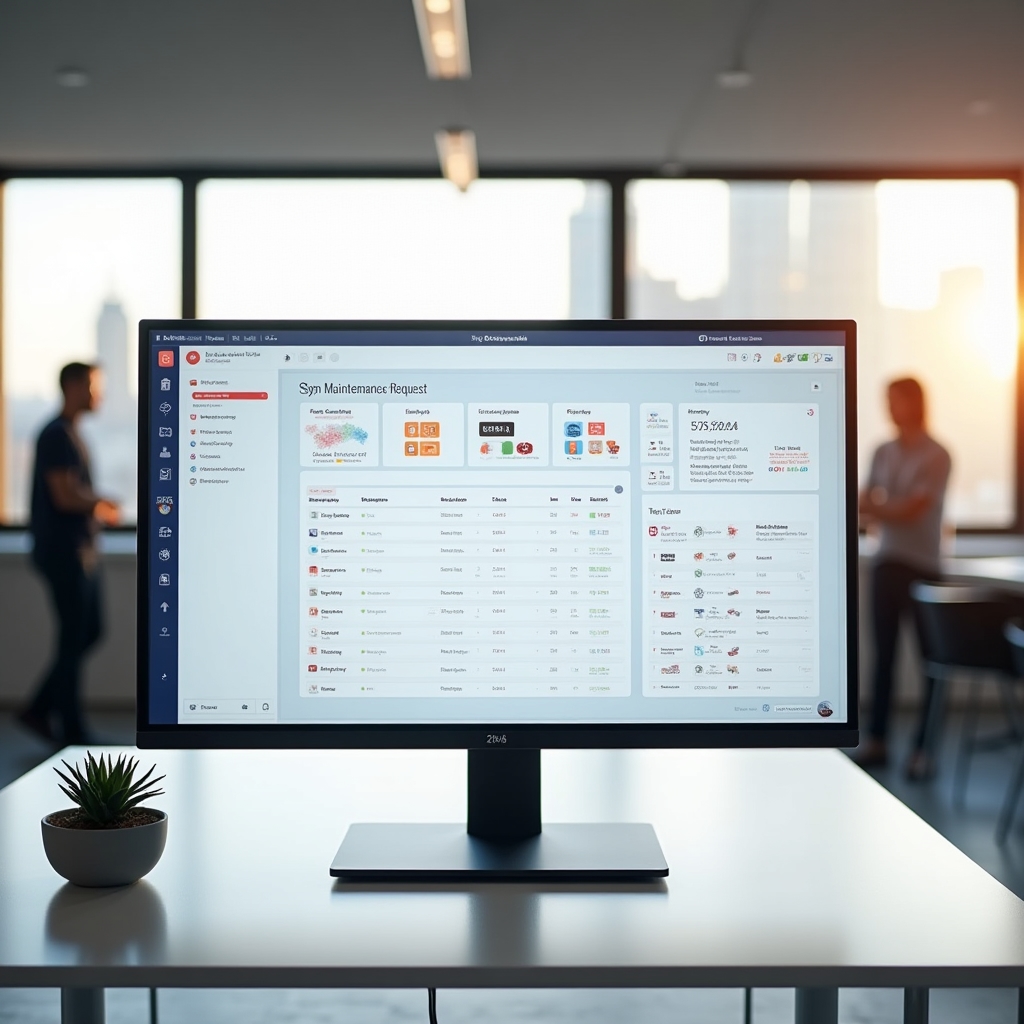
The platform analyzes each submission and assigns an urgency tier — from emergency to routine — along with a trade category such as plumbing, electrical, HVAC, or general maintenance. This happens without any manual input from your team.
A gas smell gets flagged as critical. A slow drain becomes a standard plumbing ticket. Your queue sorts itself so your most pressing issues always surface first, not the ones that happened to arrive in your inbox at the right moment.
See categorization logic
Your preferred vendor list lives inside the platform. When a plumbing ticket arrives, the system routes it to your preferred plumber. If your first choice is unavailable, you have already set backup options. Dispatch happens with a single confirmation click, and the vendor receives all request details, photos, and property access information in one message.
No more hunting through your contacts. No more forwarding emails with attachments.
Explore vendor management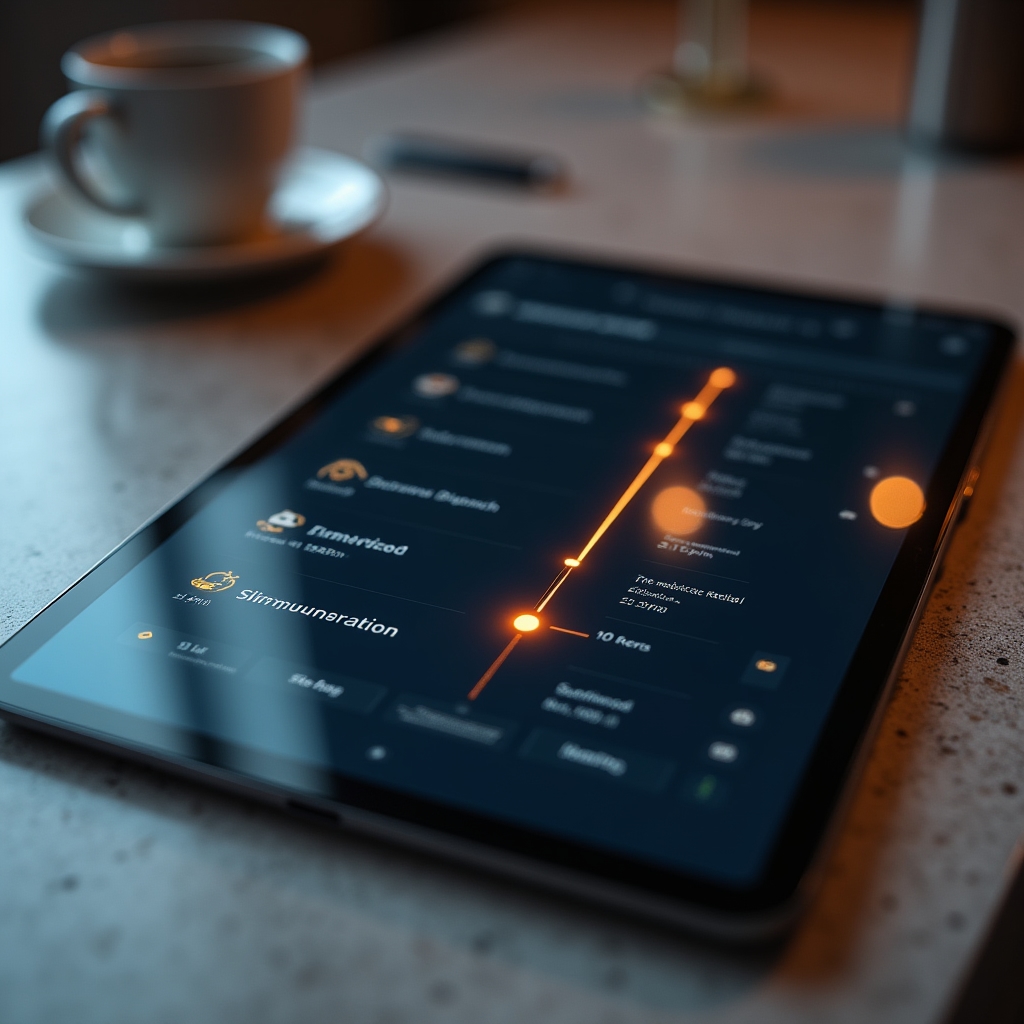
Every action taken on a work order is recorded. Vendor accepted the job at 9:14am. Arrived on site at 10:30am. Marked complete at 12:05pm. Each milestone carries an exact timestamp, creating a full audit trail for every single repair in your portfolio.
When a tenant disputes a repair timeline or an owner questions a charge, you have an objective record. The data exists whether you remember to write it down or not.
View tracking detailsDifferent people interact with Mawudu Wowomo differently. Here is what the platform looks like from each perspective.
When something in your unit needs attention, the last thing you want is to wonder whether anyone received your message. Submit a request through the tenant portal in under two minutes. Attach a photo of the issue directly from your phone.
After that, the platform does the work. You receive a notification when your request is received, when a vendor is assigned, when the work is scheduled, and when it is complete. No more calling the office to ask for an update.

As a property manager, you are the hub of communication between tenants, vendors, and owners. Mawudu Wowomo brings all of that communication into one place so nothing slips through.
Your dashboard shows open requests sorted by urgency, vendor assignments, and completion status across all properties simultaneously. Urgent items flag immediately. Routine repairs queue automatically. You spend your time on decisions, not data entry.

Vendors receive dispatch notifications that include everything needed before arriving on site: the nature of the issue, all submitted photos, property address, access instructions, and preferred contact. No back-and-forth to gather basic information.
Marking a job complete takes seconds. The timestamp logs automatically. Property managers see the update in real time. Tenants receive their completion notification without anyone making a phone call.
Property owners want transparency without needing to ask for it. Every month, Mawudu Wowomo generates a maintenance summary covering every request submitted across your properties — what was requested, which vendor handled it, how long resolution took, and current status.
The summary arrives automatically, giving owners a clear picture of how their investment is being maintained. Recurring issues at specific units surface in the data so owners can make informed decisions about capital improvements.

The single most common complaint tenants have about maintenance is not how long repairs take — it is not knowing what is happening. Mawudu Wowomo sends automatic notifications at every meaningful stage.
Tenant receives immediate confirmation that their submission was received, along with a tracking number for future reference.
When a vendor is dispatched, the tenant is notified of who will be handling the repair and an estimated service window when available.
Once the vendor confirms a visit time, the tenant receives the scheduled date and time so they can plan accordingly.
A final notification confirms the repair has been completed, closing the loop and inviting the tenant to follow up if any issues remain.
Schedule a walkthrough with our team. We will show you how the platform handles your specific property types and management workflows.
